

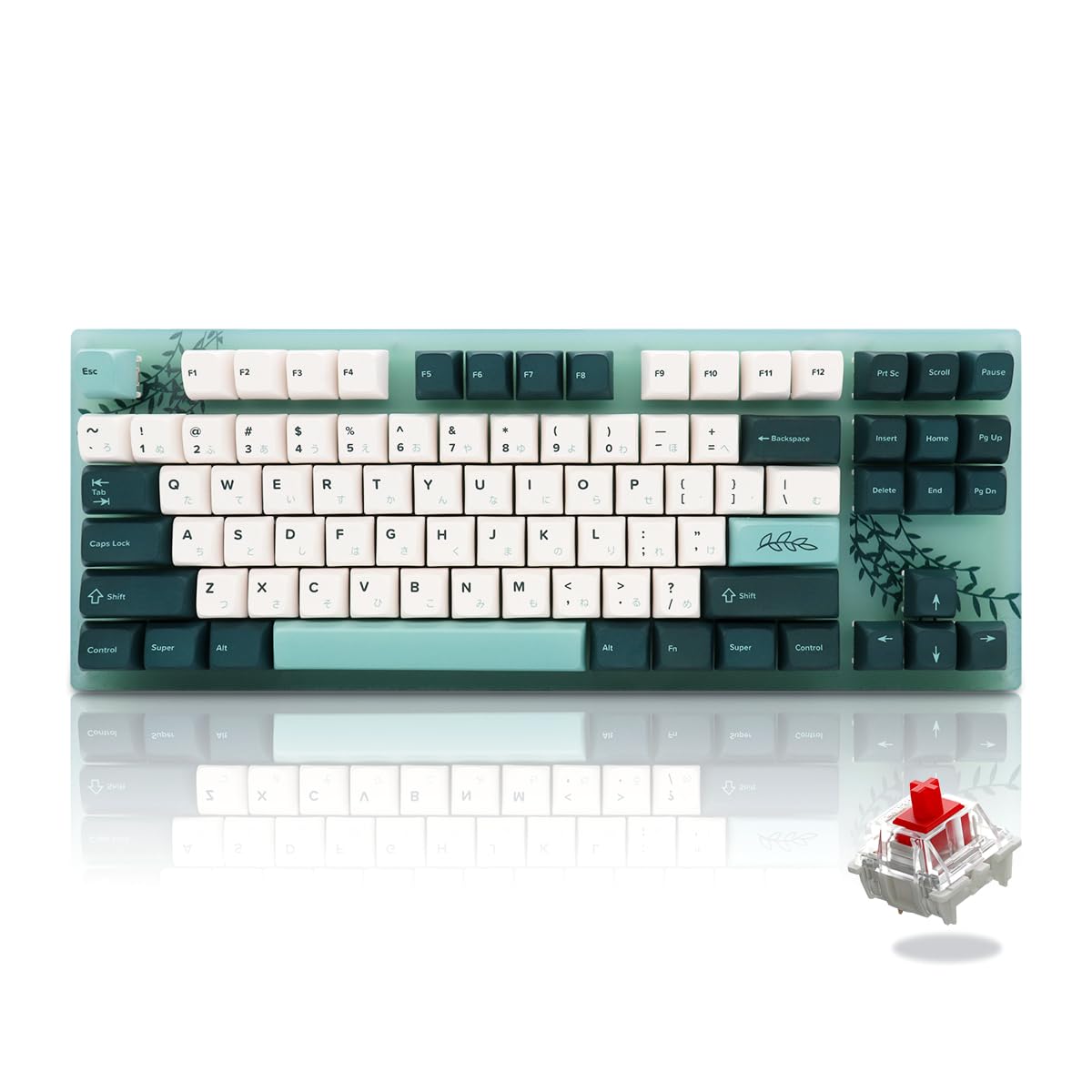
Mechanical keyboards have become more than just typing tools—they’re a personal statement. Among the most popular choices is the 87-key keyboard, known for its compact layout and functionality. If you’re looking to make your keyboard truly yours, customizing your 87 keyboard: keycaps, switches, and more can elevate both aesthetics and typing experience.
Why Customize Your 87 Keyboard?
Customization allows you to improve comfort, performance, and visual appeal. Whether you’re a gamer, programmer, or casual typist, changing keycaps, switches, and other components can make a significant difference. From tactile feedback to sound profiles, every modification can tailor the keyboard to your exact preference.
Choosing the Right Keycaps
Keycaps are the most noticeable aspect of your keyboard and can drastically change its appearance. When customizing your 87 keyboard: keycaps, switches, and more, consider:
- Material: PBT keycaps are durable and resist shine, while ABS keycaps are smooth and often feature vibrant colors.
- Profile: Keycap profiles like Cherry, SA, or OEM affect typing comfort and aesthetics.
- Design: From minimalist solid colors to artistic themed sets, keycaps can reflect your personality.
Upgrading keycaps isn’t just about looks—it also enhances typing feel and noise control.
Selecting the Perfect Switches
Switches define how your keyboard feels and sounds. When customizing your 87 keyboard: keycaps, switches, and more, explore options based on:
- Actuation Force: Lighter switches are easier to press, while heavier switches provide more resistance.
- Type: Linear switches offer smooth keystrokes, tactile switches provide a noticeable bump, and clicky switches produce audible feedback.
- Sound Dampening: Lubing switches or using dampeners can reduce noise for a quieter typing experience.
Switches are crucial for both gaming responsiveness and typing comfort, so experimenting with different options can be rewarding.
Other Customization Options
Beyond keycaps and switches, there are several ways to further personalize your 87 keyboard:
- Stabilizers: Improve consistency on larger keys like spacebar or shift.
- Backlighting: RGB or single-color lighting can enhance aesthetics and visibility.
- Cable Mods: Braided cables or custom connectors can complement your desk setup.
- Case and Plate: Changing the case material or plate type affects acoustics and durability.
These enhancements allow you to create a keyboard that is both functional and visually striking.
Conclusion
Customizing your keyboard isn’t just a hobby—it’s an opportunity to make your typing experience uniquely yours. By customizing your 87 keyboard: keycaps, switches, and more, you can enhance aesthetics, comfort, and performance. From selecting keycaps and switches to exploring other modifications, every choice contributes to a keyboard that reflects your style and needs.
